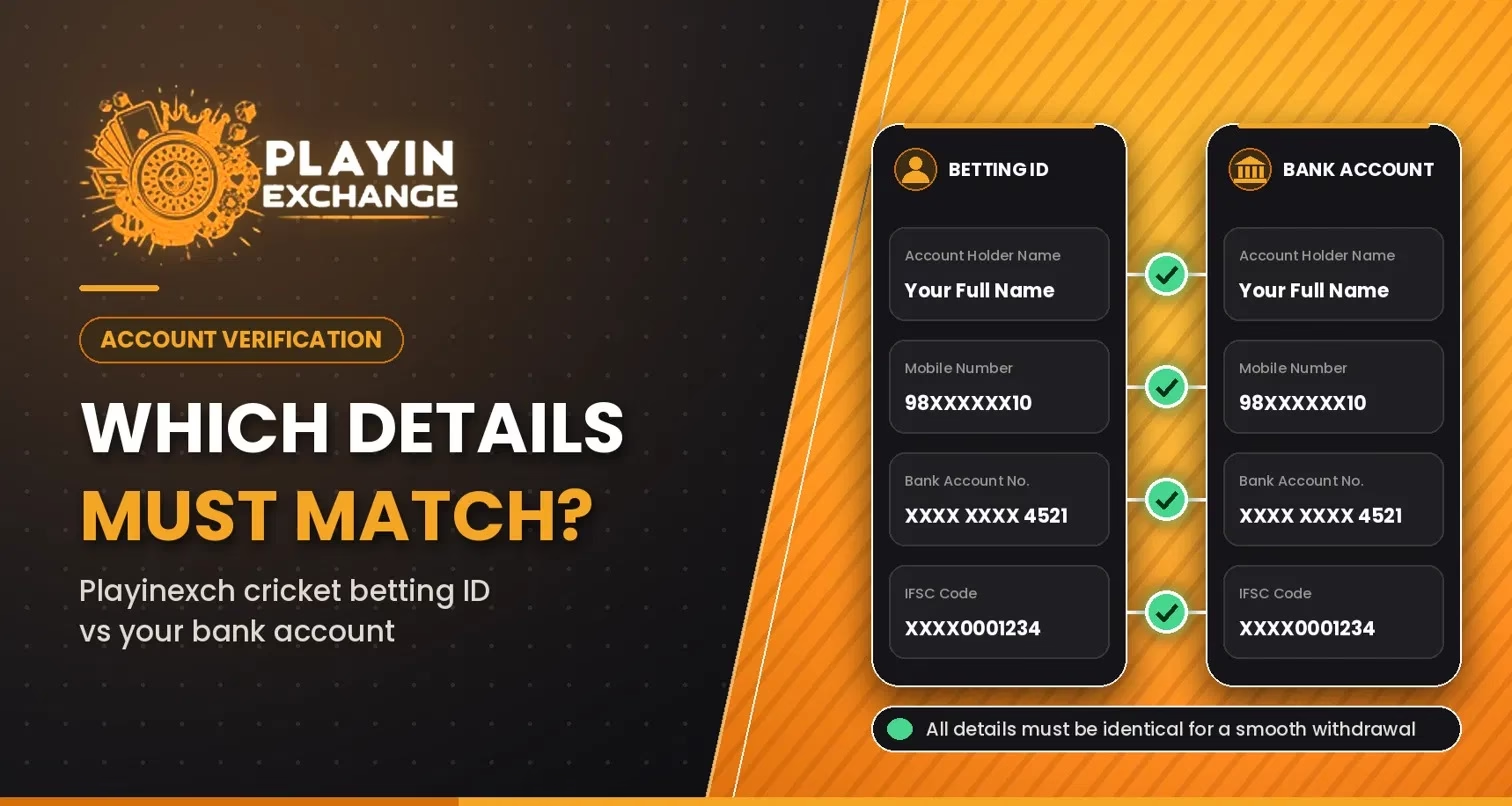
Linking a cricket account to a bank account requires accurate payment and identity details. On Playinexch, users should check whether their verified identity and intended bank account belong to the same person. Understanding which fields must be consistent helps prevent verification problems.
Why Do Bank and Cricket ID Details Matter?
Account checks help establish ownership and reduce payment errors. The website mentions identity verification where required and payment confirmation before withdrawals, but does not publish a complete matching policy. Check the current terms before submitting sensitive information.
Which Details Should Match?
| Detail | What to check | Important distinction |
| Legal name | The verified account holder and bank account owner should be the same person. | A nickname or username need not match a bank name. |
| Identity information | Name and date of birth should agree with genuine KYC documents when requested. | A bank transfer does not normally compare birth dates. |
| Account number | Enter the intended recipient bank account number exactly. | It is not the same as your cricket ID number. |
| IFSC | Use the correct IFSC for the recipient bank account. | IFSC identifies a bank branch, not an individual’s identity. |
| UPI ID | Confirm the intended UPI handle and displayed recipient name. | The handle need not resemble the account username. |
| Mobile number | Keep the platform contact number accessible for verification. | It need not automatically match the bank’s registered number. |
1. Account Holder’s Legal Name
Your verified profile and linked bank account should identify the same owner. For example, a profile under “Rohit Kumar” and a bank account owned by “Amit Sharma” require clarification.
Initials or spelling differences may require supporting documents. Never impersonate another account owner.
2. Bank Account Number and IFSC
These fields identify the intended receiving account, not your registration number. Incorrect digits can misdirect funds.
Before using Playinexch Login for payment settings, compare both fields with bank records.
3. UPI ID and Bank-Registered Mobile
A UPI handle is a payment address, not proof of ownership. For outgoing payments, review the beneficiary name displayed by your UPI app. NPCI requires bank-registered beneficiary names to be shown in relevant UPI transactions.
Your Playinexch ID phone number need not automatically match your bank number; UPI activation has its own bank-linked verification.
How to Review Details Before a Withdrawal
Check these details first:
- Open the verified website and use Playinexch Login securely.
- Review your profile name and any completed identity checks.
- Confirm the selected bank account is yours and supports the payment method.
- Recheck account number, IFSC, or UPI ID character by character.
- Read withdrawal limits, verification requirements, and processing conditions.
- Save the transaction reference and track its status without sharing passwords or OTPs.
Play Exchange lists UPI and bank transfers, but available methods may vary by account.
What if Your Details Do Not Match?
Never submit altered documents or use another person’s account to evade checks. Correct mistyped numbers before payment. For a changed legal name or pending request, ask official support which documents or corrections are accepted.
Verify the source of any Playinexch Apk. Never send bank statements to unverified chats.
Protect Your Information During Verification
Never disclose your UPI PIN, banking password, or OTP to Play Exchange support. Upload requested documents only through secure verified channels.
For the Playinexch Apk or mobile browser, inspect links and independently verify payment instructions.
Conclusion
For a Playinexch ID, prioritize genuine identity, accurate banking details, and safe verification. Not every field must match literally. Follow current rules and use the service only where lawful and if aged 18 or older.
Frequently Asked Questions (FAQs)
1. Must my cricket ID username match my bank account name?
No. A username can differ; the verified legal owner should be consistent when identity checks apply.
2. Does my registered phone number have to match my bank’s number?
Not necessarily. Individual services may impose extra rules, while UPI verification depends on the bank-linked number.
3. Can I withdraw to a family member’s bank account?
Do not assume third-party withdrawals are allowed. Check the stated policy and use an account you own unless explicitly authorized.
4. What should I do if my name has a spelling difference?
Contact official support and ask how to provide legitimate supporting documents before making changes.
5. What if I entered the wrong IFSC or account number?
Stop before confirming. If already submitted, contact support and your bank promptly with the transaction reference.