
Private browsing has become a common feature in modern web browsers, allowing users to browse without saving certain information on their devices. Many people use incognito mode when they want additional privacy while searching, visiting websites, or accessing online services. Playinexch users who prefer managing their digital activities with more awareness can benefit from understanding how private browsing works and what limitations it has.
Although incognito mode provides some privacy benefits, it is often misunderstood. Many users believe it makes them completely anonymous online, but that is not how private browsing actually works. It mainly controls what information is stored on the device rather than hiding all online activity.
What Is Incognito Mode?
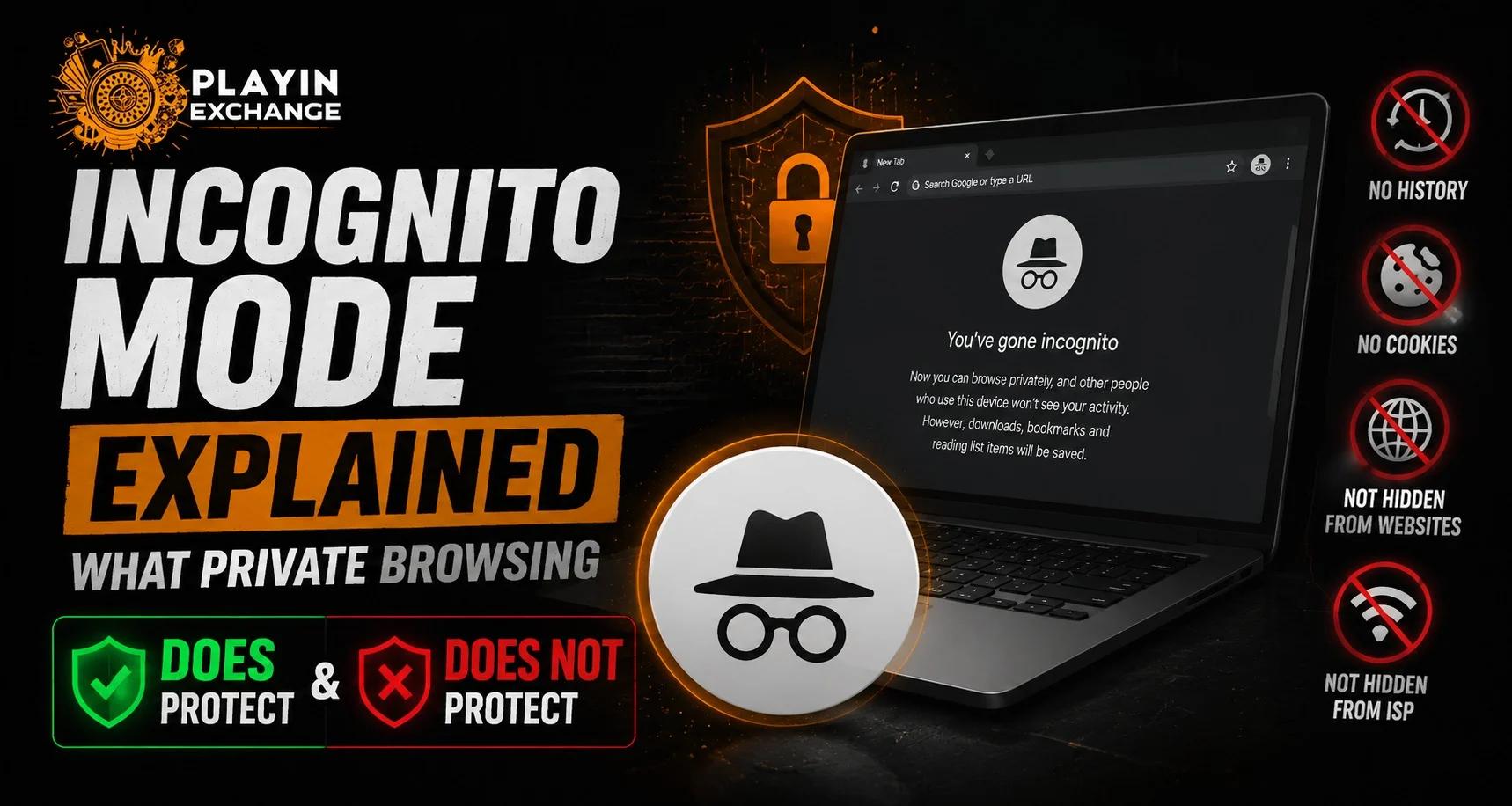
Incognito mode, also known as private browsing, is a browser feature designed to prevent certain browsing information from being saved locally.
When users open an incognito window, the browser generally does not store:
- Browsing history.
- Search history on the device.
- Cookies after the session ends.
- Temporary website data.
This feature is useful when multiple people share the same device or when users do not want their browsing activity saved on that particular browser.
How Does Private Browsing Work?
When a user opens an incognito session, the browser creates a temporary browsing environment. Once the window is closed, most locally stored session information is removed automatically.
During private browsing:
- Websites can still load normally.
- Users can still log into accounts.
- Internet connections continue working as usual.
- Downloads and bookmarks may still remain saved.
Private browsing changes how the device stores information, but it does not completely change how the internet connection works.
What Incognito Mode Actually Protects
Incognito mode provides protection mainly at the device level. It helps prevent other users of the same device from easily viewing previous browsing activity.
It can help with:
- Keeping browsing history private on a shared computer.
- Preventing saved cookies after closing the session.
- Avoiding automatic account sign-ins on the browser.
- Reducing stored browsing information.
For example, someone using the same computer later may not see the websites visited during an incognito session through normal browser history.
What Incognito Mode Does Not Protect
One of the biggest misconceptions about private browsing is that it hides all online activity. In reality, incognito mode does not provide complete anonymity.
It does not hide activity from:
- Internet service providers.
- Network administrators.
- Websites being visited.
- Online platforms where users log in.
- Malware or device monitoring tools.
Users should understand that private browsing is a privacy feature, not a complete security solution.
Common Myths About Incognito Browsing
Many users misunderstand what incognito mode can do. These common myths can lead to incorrect expectations.
Myth 1: Incognito Makes You Completely Anonymous
Private browsing does not hide your internet connection or identity from every online service. Websites and networks may still collect information depending on their systems.
Myth 2: Incognito Prevents All Tracking
While it limits local tracking through browser storage, other tracking methods may still work through websites, accounts, or network-level monitoring.
Myth 3: Downloads Are Automatically Deleted
Incognito mode does not remove downloaded files. Any files saved during the session remain on the device unless manually deleted.
When Should You Use Incognito Mode?
Private browsing can be useful in several everyday situations.
Users may consider using it when:
- Using a shared computer.
- Checking websites without saving history.
- Testing website behaviour without stored cookies.
- Accessing temporary sessions.
However, users should combine private browsing with other security practices for better protection.
Improving Online Privacy Beyond Incognito Mode
For stronger privacy, users should follow additional security habits.
Helpful practices include:
- Using strong and unique passwords.
- Enabling two-factor authentication.
- Keeping browsers updated.
- Avoiding suspicious links.
- Reviewing account permissions.
Users accessing platforms through Playinexch Login should always follow secure browsing habits and protect their account credentials.
Mobile Browsing and Private Access
With smartphones becoming the primary browsing device for many users, mobile privacy has become increasingly important. Modern browsers provide private browsing options that work similarly across mobile devices.
The Playinexch Apk experience allows users to access digital features through mobile devices while maintaining awareness of security practices. Users exploring services through Play Exchange should understand that browser privacy settings and account security measures work together for better protection.
How to Stay Safer Online
Incognito mode can Support better privacy habits, but users should not rely on it as the only protection method.
A safer online approach includes:
- Checking website authenticity.
- Avoiding unknown downloads.
- Protecting login details.
- Updating apps regularly.
- Monitoring account activity.
These steps help users maintain better control over their digital presence.
Conclusion
Incognito mode is a useful browser feature that helps reduce locally stored browsing information, especially on shared devices. However, it does not make users completely anonymous or protect all online activity from external tracking.
Understanding what private browsing can and cannot do helps users make smarter decisions about online privacy. By combining incognito mode with strong security practices, users can create a safer and more controlled digital experience.
Frequently Asked Questions
Does incognito mode hide browsing history completely?
Incognito mode prevents the browser from saving local browsing history, but network providers and websites may still track activity.
Can websites track users in incognito mode?
Yes, websites may still collect information through normal tracking methods, accounts, and website technologies.
Does incognito mode protect against viruses?
No, private browsing does not protect devices from malware, viruses, or unsafe downloads.
Are downloaded files removed after closing incognito mode?
No, downloaded files remain saved on the device unless users delete them manually.
Is incognito mode safer than normal browsing?
Incognito mode provides additional privacy on the device, but users should still follow general online security practices.
What is Playinexch ID used for?
Playinexch ID refers to a user account feature that helps users access and manage their platform-related activities securely.


