
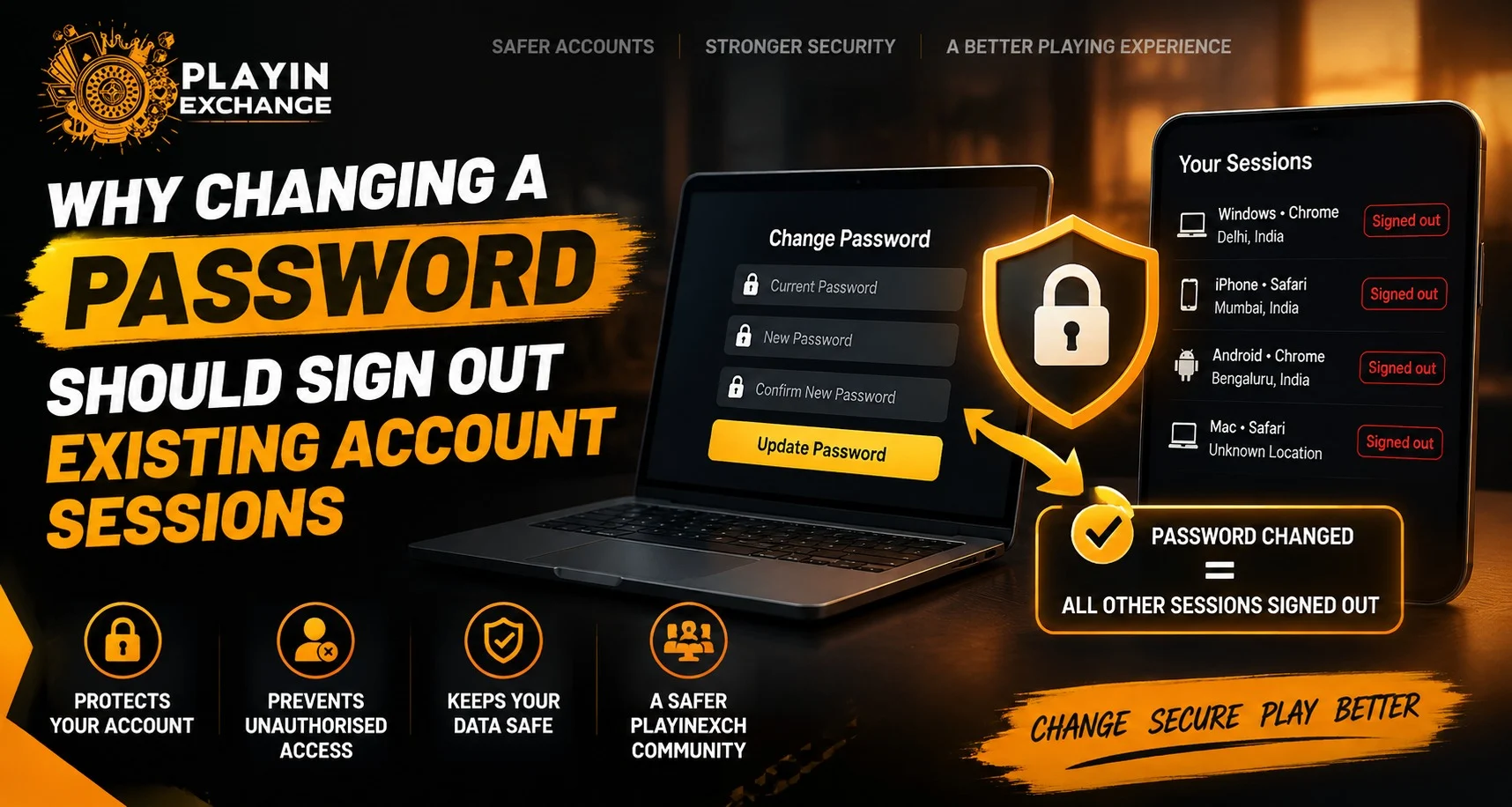
Account security depends on more than just creating a strong password. When a password is changed, one of the most important security steps is ending existing account sessions across connected devices. Playinexch users should understand why signing out active sessions after a password update helps protect accounts and prevents unauthorised access from older devices or browsers.
Many users change passwords when they notice suspicious activity, forget their previous password, or want to improve security. However, if existing sessions remain active, someone who already has access to an old session may still be able to use the account without entering the new password.
What Are Active Account Sessions?
An active session is created whenever a user signs in to an account through a device, browser, or application. The session allows the user to continue using the account without entering login details repeatedly.
Examples of active sessions include:
- A browser where the account is still open
- A mobile application connected to the account
- A previously used device
- A saved login session
These sessions are usually managed through temporary security tokens that confirm the user’s access.
Why Password Changes Should End Existing Sessions
Changing a password updates the main security credential of an account. However, older sessions may continue working if they are not invalidated.
Signing out existing sessions after a password change helps:
- Remove access from unknown devices
- Prevent misuse of old login sessions
- Protect account information
- Reduce security risks after suspicious activity
This is especially important when users believe another person may have accessed their account.
How Old Sessions Can Create Security Risks
Many users assume that changing a password immediately removes all access. In some systems, existing sessions may remain active until they expire or are manually closed.
Possible risks include:
- Someone using a previously logged-in device
- A lost phone still connected to the account
- A shared computer with saved access
- An outdated browser session
If an attacker already has an active session, knowing the new password may not be necessary to continue accessing the account.
The Importance of Session Management
Good account security includes managing not only passwords but also connected devices and active sessions.
A secure account system should provide options such as:
- View logged-in devices
- Remove unknown sessions
- Sign out from all locations
- Receive security notifications
Users accessing their accounts after Playinexch Login should regularly review connected devices and remove any access they do not recognise.
When Should Users Sign Out All Sessions?
There are several situations where ending all active sessions is recommended.
After a Password Change
Whenever a password is updated, signing out existing sessions creates a fresh security state.
After Losing a Device
If a phone, tablet, or computer is lost, removing active sessions Helps prevent unwanted access.
After Using Shared Devices
Public computers or shared devices may store account sessions. Signing out remotely provides additional protection.
After Suspicious Activity
Unexpected account changes, unfamiliar activity, or unknown login attempts are reasons to review sessions.
How Applications Handle Session Security
Modern applications use different security methods to protect user accounts. These may include:
- Session expiration
- Device verification
- Login alerts
- Two-factor authentication
- Remote sign-out options
Applications such as the Playinexch Apk should follow secure session management practices to ensure users can control where their accounts remain active.
Common Password Security Mistakes
Changing a password is useful, but users should also avoid common mistakes that reduce account protection.
Some frequent errors include:
- Reusing old passwords
- Using simple passwords
- Sharing login details with others
- Ignoring unknown device activity
- Keeping accounts logged in on multiple devices
A strong password combined with proper session management creates better account protection.
Steps to Improve Account Security After Changing Passwords
After updating a password, users can follow these steps:
- Sign out of all existing sessions.
- Remove unknown connected devices.
- Create a unique and strong password.
- Enable additional security features if available.
- Review account activity regularly.
These practices help maintain better control over personal accounts.
Why Session Sign-Out Matters for Digital Platforms
A password protects the account, but active sessions control ongoing access. Both areas need attention for complete security.
Users managing their Playinexch ID should understand that account protection involves more than just updating login credentials. Reviewing access points and controlling active sessions are important parts of maintaining digital safety.
How Play Exchange Users Can Build Better Security Habits
Good security habits help reduce risks across all online platforms. Simple actions such as changing passwords regularly, checking devices, and signing out unused sessions can make a significant difference.
Account security works best when users and platforms both take responsibility for protecting access.
Conclusion
Changing a password is an important security action, but it becomes more effective when existing account sessions are also signed out. Removing old sessions ensures that previous devices and browsers no longer have access unless the user signs in again.
By understanding session management, reviewing connected devices, and following safe password practices, users can create a more secure account environment.
FAQs
Why should existing sessions be signed out after changing a password?
Signing out existing sessions removes access from older devices and helps prevent unauthorised account use.
Does changing a password always log out every device?
Not every system automatically ends existing sessions, which is why manual sign-out options are important.
What is an active account session?
An active session is a temporary connection that allows a user to stay logged in without entering credentials repeatedly.
When should I sign out all account sessions?
You should sign out sessions after changing passwords, losing a device, using shared computers, or noticing suspicious activity.
Can someone access my account with an old session?
Yes, if an old session remains active, it may allow access without requiring the new password.
How can I improve account security?
Use strong passwords, review connected devices, enable security features, and remove unknown sessions regularly.


