
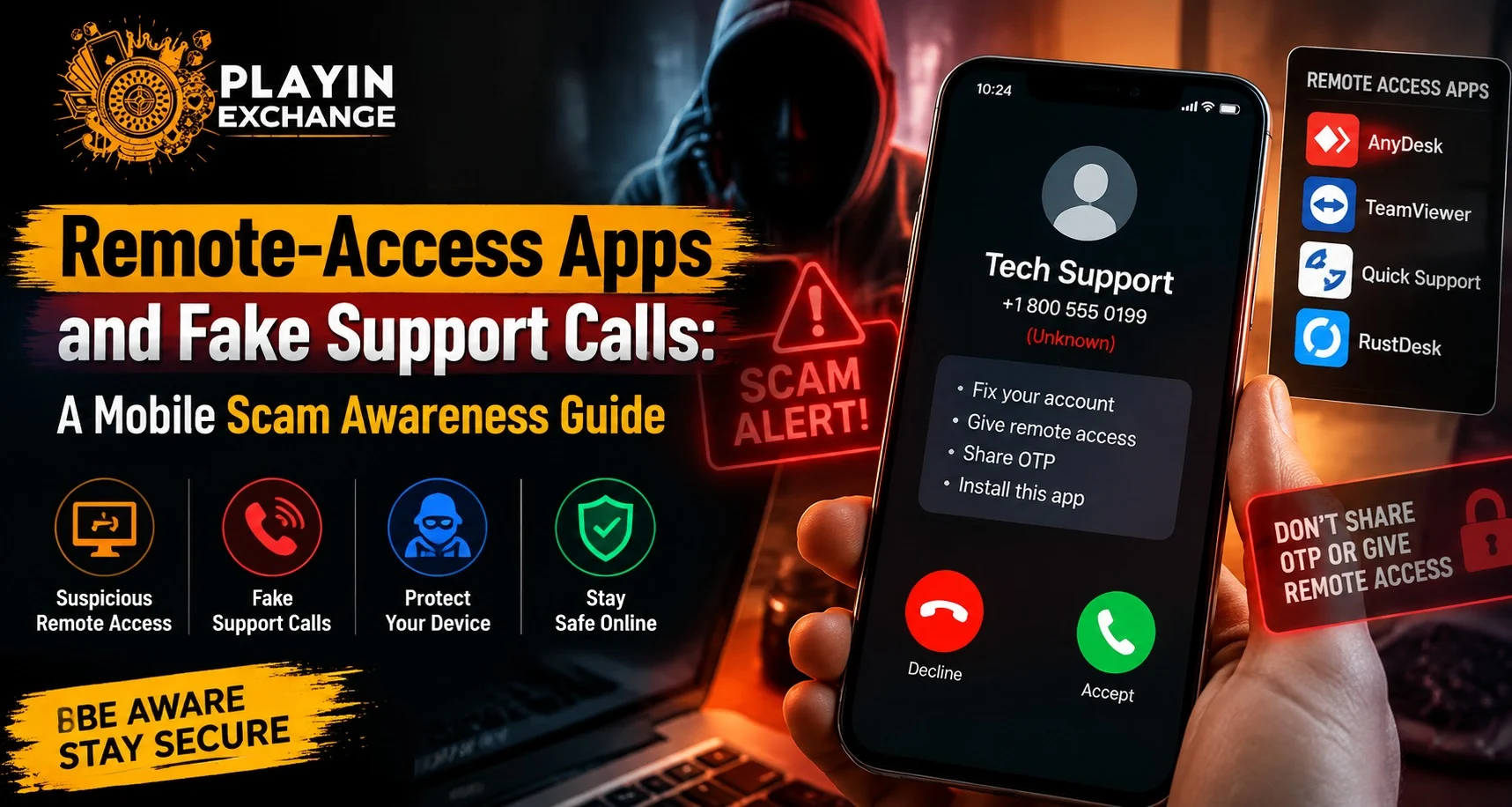
Mobile security has become an important concern as more users manage accounts, payments, and personal information through smartphones. One common threat involves fake support calls where scammers attempt to convince users to install remote-access applications. On Playinexch, users should understand how these scams work, why they create security risks, and what steps can help protect personal accounts.
Recognizing suspicious support requests and avoiding unnecessary access permissions are important parts of maintaining safer digital habits.
What Are Remote-Access Apps?
Remote-access applications allow one device to be controlled or viewed from another device.
These tools can have legitimate uses, such as:
- Technical assistance
- Remote troubleshooting
- Business support
- Device management
However, scammers may misuse these applications by convincing users that they need urgent technical help.
Once installed and granted permissions, these apps may allow another person to view or control parts of a device.
How Fake Support Calls Usually Work
Fake support scams often begin with an unexpected phone call, message, or online contact.
A scammer may claim to represent:
- Customer support teams
- Payment services
- Security departments
- Technical assistance providers
They may create urgency by saying there is:
- A security issue
- An account problem
- A payment failure
- A verification requirement
The goal is usually to convince users to take immediate action without checking whether the request is genuine.
After completing a Playinexch Login, users should only follow support instructions from trusted and verified communication channels.
Why Remote Access Requests Can Be Dangerous
Remote-access tools provide powerful control over a device.
If misused, they may expose:
- Personal information
- Account details
- Messages
- Notifications
- Screens displayed on the device
The risk increases when users allow access without understanding what permissions are being provided.
Warning Signs of Fake Support Calls
Users should be cautious when a caller shows unusual behavior.
Common warning signs include:
- Unsolicited calls claiming to be support
- Requests to install unknown applications
- Pressure to act immediately
- Requests for passwords or OTP codes
- Threats of account suspension
- Instructions to share screen access
A genuine Support process should not require unnecessary control over a user’s personal device.
Why Scammers Ask Users to Install Apps
Scammers often ask users to install remote-access apps because these tools can make scams more convincing.
They may use them to:
- View device activity
- Guide users through fake steps
- Access sensitive information
- Create confusion during support interactions
Users should always question why an application needs specific permissions.
Protecting Your Mobile Device
Simple security habits can reduce the risk of remote-access scams.
Helpful practices include:
- Install apps only from trusted sources
- Review permissions before allowing access
- Keep mobile software updated
- Remove unused applications
- Avoid clicking unknown links
Users using the Playinexch Apk should ensure that applications are downloaded only from trusted and verified sources.
Never Share Sensitive Information
Scammers often combine fake calls with requests for private information.
Users should never share:
- Passwords
- OTP codes
- PIN numbers
- Banking details
- Recovery codes
Legitimate support teams should not ask users to provide confidential authentication information.
What To Do If You Installed a Suspicious Remote App
If a user believes they installed a suspicious application, quick action can help.
Recommended steps include:
- Disconnect from the internet if necessary
- Remove the unknown remote-access application
- Review app permissions
- Change important passwords
- Check account activity
- Contact official support channels if needed
Avoid continuing communication with unknown callers.
How To Verify Genuine Support
Before trusting a support request, users should verify the source.
Good practices include:
- Visit the official website directly
- Use contact methods listed by the platform
- Avoid clicking links provided by unknown callers
- Confirm requests through trusted channels
Users should not rely only on caller identity because phone numbers and names can be manipulated.
Common Mistakes That Increase Scam Risks
Many scams succeed because of quick reactions.
Common mistakes include:
- Allowing screen access without checking
- Installing unknown applications
- Sharing verification codes
- Following urgent instructions
- Ignoring security warnings
Taking a few extra moments to verify information can prevent serious problems.
Why Account Awareness Matters
Digital account security requires ongoing attention.
Users should regularly:
- Review account activity
- Update passwords
- Check connected devices
- Remove unnecessary permissions
- Learn about common scams
For users managing a Play Exchange account, understanding common mobile threats helps create safer online habits.
The Role of Device Permissions
Permissions determine what an application can access on a device.
Before approving permissions, users should consider:
- Why the app needs access
- Whether the request matches its purpose
- Whether the source is trustworthy
Unnecessary permissions can create additional security risks.
How To Build Better Mobile Security Habits
A secure mobile routine includes:
- Using strong passwords
- Enabling additional verification methods
- Keeping apps updated
- Avoiding unknown downloads
- Monitoring account notifications
Small security improvements can significantly reduce exposure to scams.
Conclusion
Remote-access apps and fake support calls are common methods used by scammers to gain unauthorized access to devices and personal information. While remote tools can be useful for legitimate purposes, users should be careful when unknown individuals request installation or control permissions.
By verifying support channels, protecting sensitive information, reviewing app permissions, and maintaining good security habits, users can reduce the risk of mobile scams and protect their digital accounts.
FAQs
What are remote-access apps?
Remote-access apps allow one device to view or control another device for support or management purposes.
Why do scammers use remote-access apps?
Scammers use these apps to gain access to devices, view information, or trick users into sharing sensitive details.
Should I allow a caller to control my phone remotely?
No. Only allow remote access when you have verified the person and understand why access is required.
Can support teams ask for OTP codes?
No. OTP codes and passwords should always remain private.
What should I do after installing a suspicious remote app?
Remove the application, review permissions, change passwords, and check account activity.
How can I identify a fake support call?
Be cautious of unexpected calls, urgent requests, unknown applications, and demands for personal information.


