
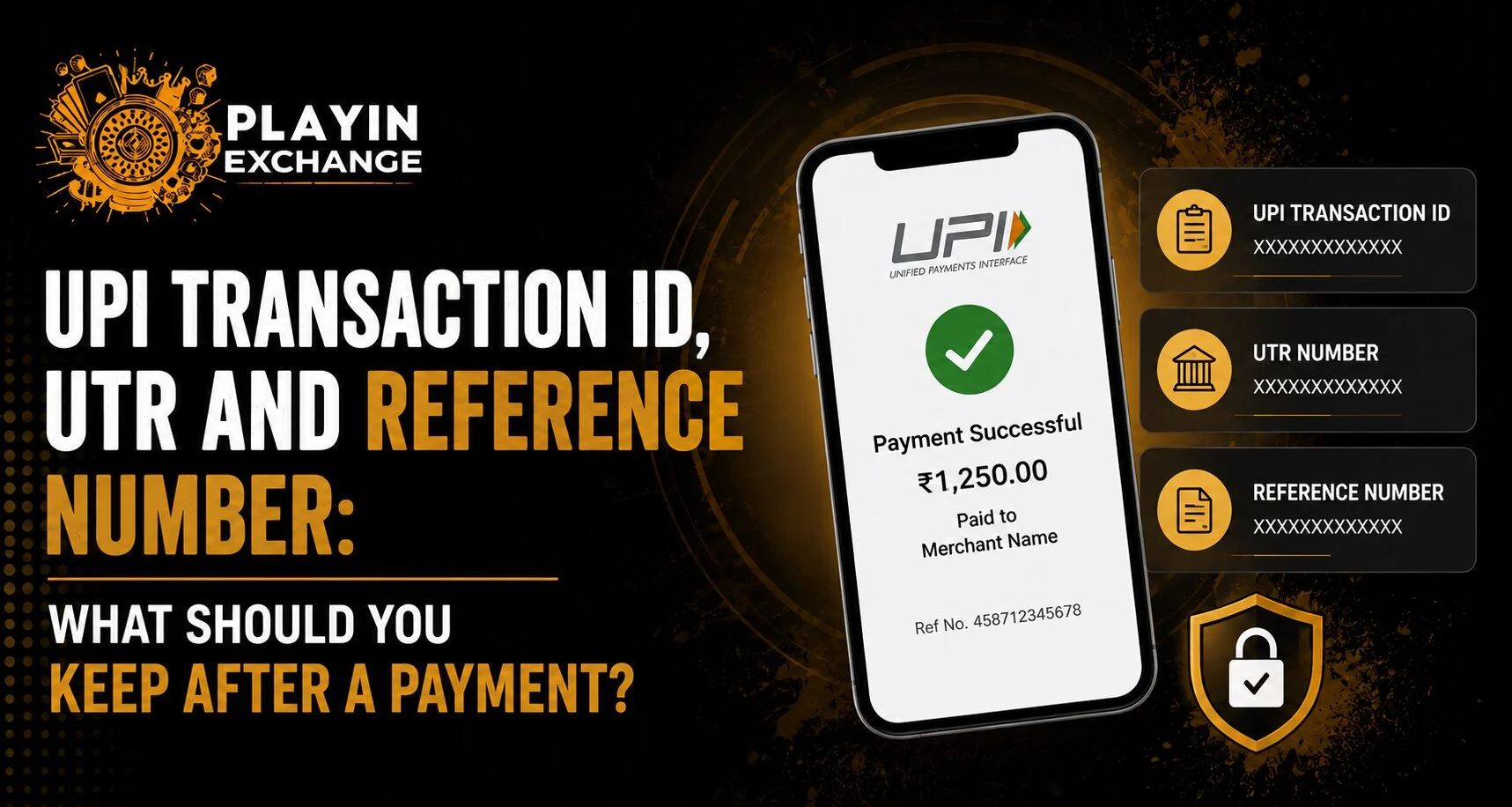
UPI payments usually finish within seconds, but the information shown after a transaction can become important if the receiver says the money has not arrived or a payment remains pending. For users making digital payments while accessing Playinexch, keeping the correct transaction record is more useful than relying only on a screenshot showing “Payment Successful.” A UPI reference number provides a unique way to identify and trace a particular payment, while terms such as transaction ID and UTR may be displayed differently depending on the bank, payment app and transfer system.
What Is a UPI Transaction ID?
A transaction ID is an identifier connected with a particular payment. Depending on the UPI application, the transaction-details screen may show labels such as transaction ID, UPI reference number, bank reference number or similar wording.
For Playinexch Login users checking a recently completed payment, the best place to find this information is normally the transaction-history section of the UPI app.
Axis Bank explains that users can open their UPI transaction history, select a specific payment and view its UPI reference number. The same information may also appear in a bank statement or payment confirmation.
Whenever possible, keep:
- Transaction or reference number
- Date and time
- Amount
- Payment status
- Recipient or merchant details
- Name of the UPI application used
What Is a UPI Reference Number?
A UPI reference number is a unique identifier generated for an individual UPI transaction.
It can help the bank or payment provider locate the transaction if there is a delay, failure or disagreement about whether payment was completed. Axis Bank states that the reference number can be found through the UPI app, transaction details, bank statement or payment-related confirmation.
For Play Exchange users, this number can therefore be more useful during a payment query than simply saying, “I paid at around 5 PM.”
A specific reference allows support teams to identify the exact transaction.
What Does UTR Mean?
UTR stands for Unique Transaction Reference.
However, the term needs some clarification because it is formally associated with banking payment systems such as NEFT and RTGS. The Reserve Bank of India states that an RTGS UTR is a 22-character code uniquely identifying an RTGS transaction. RBI also advises customers tracking NEFT transfers to provide the UTR or transaction reference number along with details such as the date and amount.
For a Playinexch ID user, this means UTR and UPI reference number should not automatically be treated as identical technical terms.
Some banking or merchant interfaces may casually use “UTR” or “bank reference” when requesting a payment identifier, but you should provide the exact number shown in your transaction details rather than guessing which label applies.
Transaction ID vs UTR vs Reference Number
The easiest way to understand the difference is:
- UPI reference number: Unique reference associated with a UPI payment.
- Transaction ID: Identifier shown by an app or payment system for a specific transaction.
- UTR: Unique banking reference formally used for systems including NEFT and RTGS.
- Merchant order ID: A separate identifier created by a website or merchant for an order or payment request.
These identifiers can sometimes appear together.
For Playinexch Online ID users, the merchant’s order number and the bank’s payment reference should both be kept if a transaction requires investigation.
Why Should You Save Payment Details?
A successful payment screen may disappear after you close the app, but transaction records can help establish what actually happened.
Useful situations include:
- Money debited but merchant balance not updated
- Recipient says payment was not received
- UPI status remains pending
- A refund is expected
- Two similar payments were made
- Support asks which transaction is being disputed
NPCI provides a UPI Help mechanism for checking transaction issues and raising complaints, reinforcing the importance of being able to identify the specific transaction involved.
For Play Exchange users, keeping the reference number also helps distinguish one payment from another when amounts are identical.
Is a Screenshot Enough?
A screenshot is useful, but it should not be your only record.
The better approach is to retain the transaction entry inside the UPI or banking application. A screenshot can support a query, while the transaction record provides the exact reference, amount, timestamp and payment status.
For Playinexch Login users, avoid sharing screenshots containing unrelated sensitive information such as complete bank balances, mobile numbers or other transaction history unless genuinely necessary.
What Should You Do If Payment Is Pending?
Do not immediately make the same payment again.
First:
- Open the UPI app’s transaction history.
- Check whether the payment shows successful, failed or pending.
- Record the reference number.
- Check your bank-account debit.
- Allow the payment system time to update where appropriate.
- Use the bank or UPI app’s official support process if the status remains unresolved.
For a Playinexch ID account, also check whether the website has registered the payment before attempting another transaction. Repeating a payment too quickly can create duplicate debits.
Never Share Your UPI PIN
Transaction references are used for identifying payments. A UPI PIN is completely different.
NPCI states that the UPI PIN is used to authorise bank transactions and should not be shared with anyone.
For Playinexch Online ID users, legitimate payment troubleshooting should not require sending another person your UPI PIN. Keep OTPs and account passwords private as well.
Conclusion
UPI transaction IDs, reference numbers and UTRs all help identify financial activity, but they are not always technically interchangeable.
For Playinexch users, the safest habit after an important payment is to keep the reference number, amount, date, status and merchant details until the transaction has been fully confirmed.
The bank or UPI app’s own transaction history should be treated as the primary record rather than relying entirely on a payment screenshot.
FAQs
What should I keep after making a UPI payment?
Keep the UPI reference or transaction number, amount, date, time, payment status and recipient details. These can help your bank locate the transaction if a problem occurs.
Is a UPI reference number the same as a UTR?
Not always. UTR is formally used in banking systems such as RTGS and NEFT, while UPI transactions have their own transaction/reference identifiers.
Where can I find my UPI reference number?
Open your UPI application’s transaction history and select the relevant payment. Many banks also display the reference in statements or payment confirmations.
Should I make another payment if the first one shows pending?
Usually, check the existing transaction status first rather than immediately repeating it. Save its reference details and use official payment support if the status remains unresolved.
Should I give support my UPI PIN along with the reference number?
No. A reference number identifies a transaction, while the UPI PIN authorises payments. NPCI advises users never to share their UPI PIN.


