Online gaming brands often appear across search results, social media posts, advertisements, and messaging groups. Some links may be outdated, unofficial, or created to imitate a familiar platform. In the middle of this confusion, Playinexch users should verify the complete web address before entering a password, OTP, identity document, or payment information. The website supplied for this guide currently presents cricket, sports, casino categories, account pages, responsible-use information, and support links through one main structure.
Start by Checking the Complete Domain
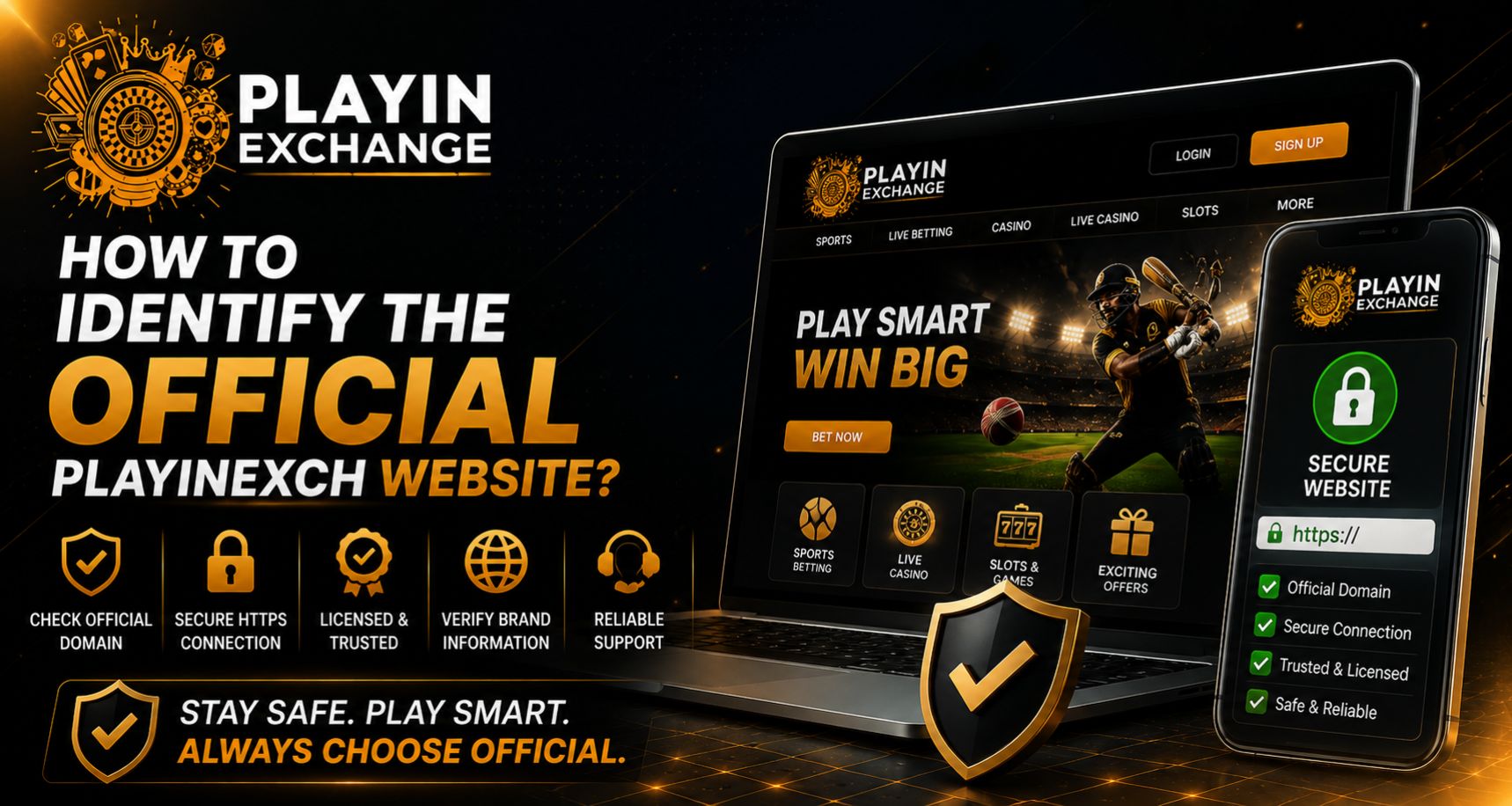
The first step is to read the address bar carefully. The domain should be spelled correctly, without extra letters, numbers, hyphens, or unusual endings. A copied design or familiar logo does not prove that a page belongs to the intended platform.
For this guide, the supplied domain is playinexch.game. Type it directly into the browser or save a verified bookmark rather than repeatedly opening links from promotional messages. CERT-In advises users to avoid untrusted links and enter an organisation’s address directly or use a bookmark when possible.
Review the Website Structure
A genuine platform should provide more than a landing page and a payment button. Check whether the main navigation connects consistently to account, support, policy, and responsible-use sections.
The current website includes:
- Home, About, Blog, FAQ, and Contact pages
- Registration and Playinexch Login sections
- Responsible gaming, privacy, and terms pages
- Cricket, sports, casino, wallet, and support information
- Adults-only and legal-eligibility notices
These sections appear within the same domain structure on the supplied website.
Inspect the Login Page Before Entering Details
Open the Playinexch Login page from the website’s main navigation instead of using a login link sent by an unknown person. Confirm that the domain remains unchanged after the page opens.
The current login page displays username and password fields, account creation, recovery support, and mobile-friendly access information. It also advises users to keep credentials private and avoid public or unknown devices.
Never share:
- Your password or one-time verification code
- UPI PIN, card PIN, or CVV
- Remote-access permission to your phone
- Screenshots containing financial information
Confirm How Account Support Works
Before requesting a Playinexch ID, examine the support links published on the website itself. Be cautious when an unknown contact promises guaranteed returns, demands an urgent transfer, or asks for unnecessary personal data.
A legitimate support conversation should explain account steps clearly without asking for your password or banking PIN. When requesting a Playinexch Online ID, keep records of the support channel and confirm that any payment instruction matches information shown within the verified platform.
Watch for Common Warning Signs
A fake Play Exchange page may look convincing while using a slightly altered domain. Other warning signs include poor spelling, broken policy pages, forced APK downloads, aggressive countdowns, guaranteed-profit claims, and requests to install screen-sharing software.
CERT-In warns that phishing pages can imitate trusted websites and recommends checking URLs carefully, ignoring urgency-based messages, and never sharing OTPs, PINs, CVVs, or card details.
Create a Safer Access Routine
Once the correct Play Exchange address has been checked, build a repeatable routine:
- Save the verified homepage as a bookmark.
- Open account pages only from that bookmark.
- Use a unique password and enable verification where available.
- Review transaction records after every payment.
- Leave immediately if the browser displays a phishing or malware warning.
Chrome’s Safe Browsing can warn users about suspected phishing or malware pages, but browser protection should support careful checking rather than replace it.
Final Thoughts
Identifying the correct Playinexch website requires attention to the exact domain, consistent navigation, working legal pages, verified support routes, and a stable login path. Before creating a Playinexch Online ID or making a transaction, check the address bar and avoid links shared through unknown messages. These habits help protect every Playinexch ID from common impersonation and phishing risks.