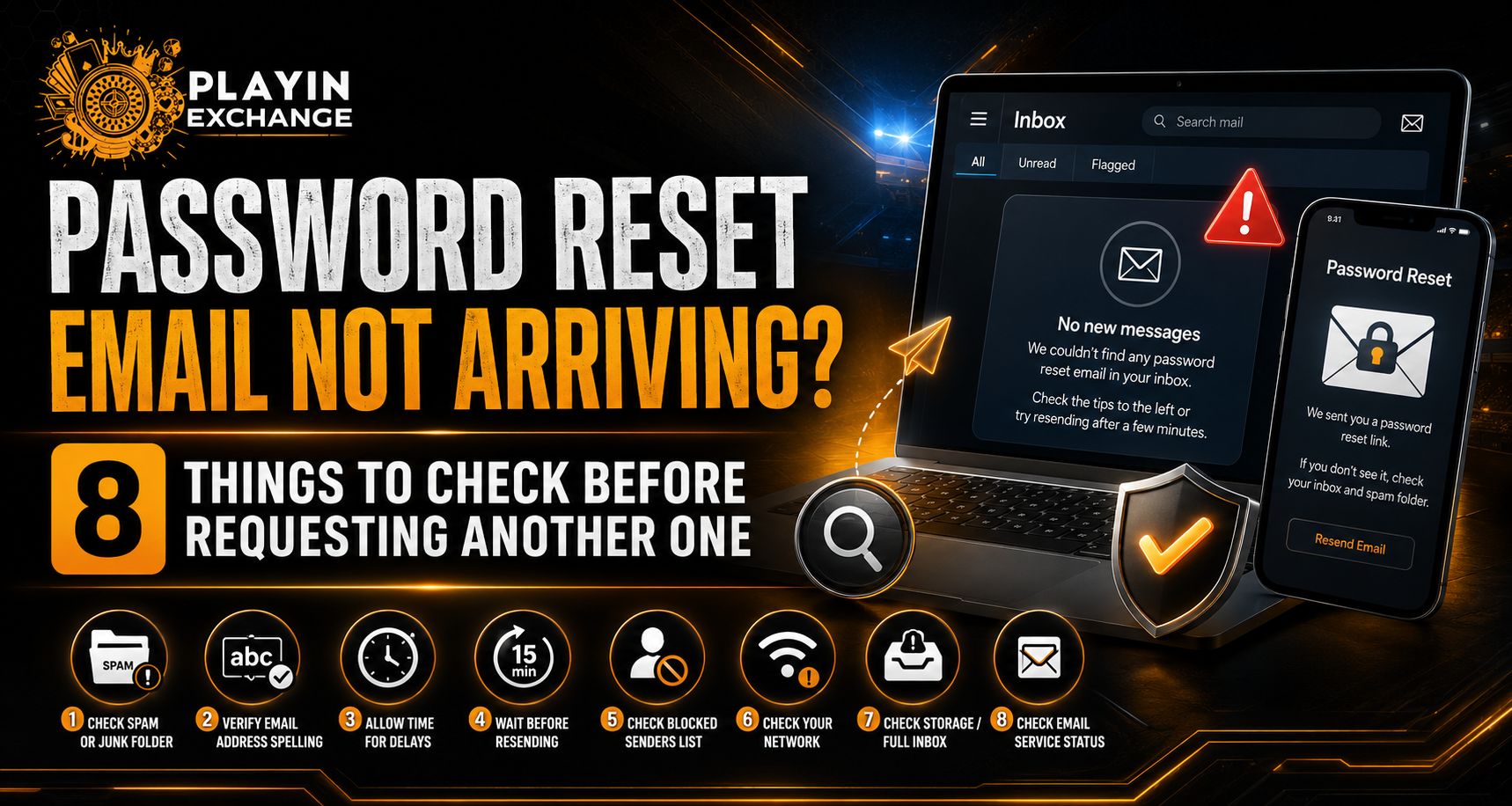
A password reset email that does not arrive immediately can make account recovery frustrating, but repeatedly requesting new links is not always the best solution. For users trying to regain access through Playinexch, several simple issues should be checked first, including the registered email address, spam filters and message delays. The platform currently directs users to its Forgot Password option and a verification process when login credentials need to be recovered.
1. Confirm You Entered the Registered Email Address
Start by checking the email address entered during the recovery request.
A small spelling error, an old address or the wrong account information could prevent the expected message from reaching the inbox you are checking.
Users starting recovery from the Playinexch Login page should enter the same registered information associated with their account.
Check carefully for:
- Misspelled email addresses
- Missing characters
- Incorrect email domains
- An old email account
- Accidentally entered spaces
Avoid repeatedly submitting different addresses without first confirming which one is connected to the account.
2. Check Spam, Junk and Promotions Folders
Password recovery messages do not always appear in the main inbox.
Email providers may automatically classify automated messages as spam, junk or promotional content. Search all folders before requesting another reset.
You can also search your mailbox for terms such as:
- Password reset
- Forgot password
- Verification
- Security
- Account recovery
People accessing Play Exchange services should also make sure they are checking the correct inbox if they maintain multiple email accounts.
3. Allow Time for Email Delivery
Automated emails are often delivered quickly, but delays can occur.
Network congestion, mail-provider filtering or temporary server delays can prevent a message from appearing immediately. Requesting multiple resets within seconds may result in several emails arriving later, making it difficult to identify which recovery link is newest.
OWASP recommends rate limiting password-reset requests as a security measure, meaning well-designed recovery systems may deliberately restrict repeated requests.
4. Check Whether the Newest Email Replaced an Older Link
Password reset links should normally be temporary and single-use.
OWASP recommends time-limited, single-use reset tokens that become invalid after use or expiration. Some systems may also invalidate an earlier token when a new recovery request is generated.
If several messages eventually arrive:
- Open the newest message first
- Avoid clicking several reset links
- Complete one recovery attempt
- Delete outdated recovery emails afterward
This can reduce confusion during Playinexch ID recovery.
5. Check Mailbox Storage and Filters
A full mailbox can prevent new messages from being delivered.
Also check whether custom inbox rules are automatically deleting or redirecting messages. Business and corporate email systems may have stricter security filters than personal email services.
Review:
- Available mailbox storage
- Blocked sender lists
- Automatic forwarding rules
- Spam-filter settings
- Deleted or archived folders
If possible, refresh the mailbox after checking these settings.
6. Make Sure You Used the Official Recovery Page
Password recovery involves sensitive account information, so avoid starting the process through unexpected links received on social media, messaging groups or unknown websites.
The current Playinexch website provides a Forgot Password option directly through its login flow.
For Playinexch Online ID users, beginning recovery from the verified website reduces the risk of entering credentials into a phishing page.
A genuine recovery process should never require you to disclose your existing password to another person.
7. Check Whether Mobile Verification Is Available
Email may not be the only recovery option.
Playinexch currently states that password recovery can involve email or mobile verification depending on the account process.
If the email is not arriving and another verified recovery method is offered, follow the official instructions instead of repeatedly generating email links.
For Playinexch Login users, this may provide a practical alternative while still verifying account ownership.
8. Contact Authorised Support If Recovery Continues to Fail
If you have checked the email address, waited for delivery and confirmed that spam filters are not blocking the message, the next step should be Official Account Support.
Do not share passwords, verification codes or reset links with strangers claiming they can restore the account.
OWASP treats password reset as a security-sensitive process because it provides an alternative path into an account. Recovery should therefore verify account ownership before allowing a new password to be created.
When discussing a Playinexch ID problem with support, provide only the information requested through the authorised recovery process.
Safe Steps After the Email Arrives
Once the reset message appears, complete the process carefully.
Recommended steps include:
- Check that you requested the email
- Use the newest reset link
- Complete verification promptly
- Create a new and unique password
- Avoid sharing the reset link
- Sign in again through the official website
Users managing a Playinexch Online ID should also review account security if the password reset was triggered by suspicious activity rather than simply forgetting a password.
OWASP recommends re-authentication around sensitive events such as account recovery and password changes.
Conclusion
A missing password reset email does not necessarily mean the account is inaccessible. The cause may be something as simple as a spam filter, delivery delay, incorrect registered address or an older recovery request.
For Play Exchange users, the safest approach is to check these possibilities before repeatedly pressing the reset button.
Start recovery from the official login page, verify the registered details and use only the newest recovery message. If the email still does not arrive after completing these checks, use an available verified recovery method or authorised support rather than trusting unofficial assistance.
FAQs
Why is my password reset email not arriving?
Common causes include email delivery delays, spam filtering, an incorrect registered address, mailbox rules or requesting several reset messages within a short period.
Should I request another reset email immediately?
Not necessarily. Check spam folders, confirm the email address and allow some time for delivery first. Secure services may also limit repeated reset requests.
Can an old password reset link stop working?
Yes. Secure reset tokens should be time-limited and single-use, so older links can expire or become invalid.
Can I recover my account using mobile verification?
The current platform guidance states that recovery may use email or mobile verification depending on the account process.
Is it safe to share a reset link with support?
No. Password reset links and verification codes should be treated as sensitive credentials. Use only the official account-recovery process and never send them to unknown people.