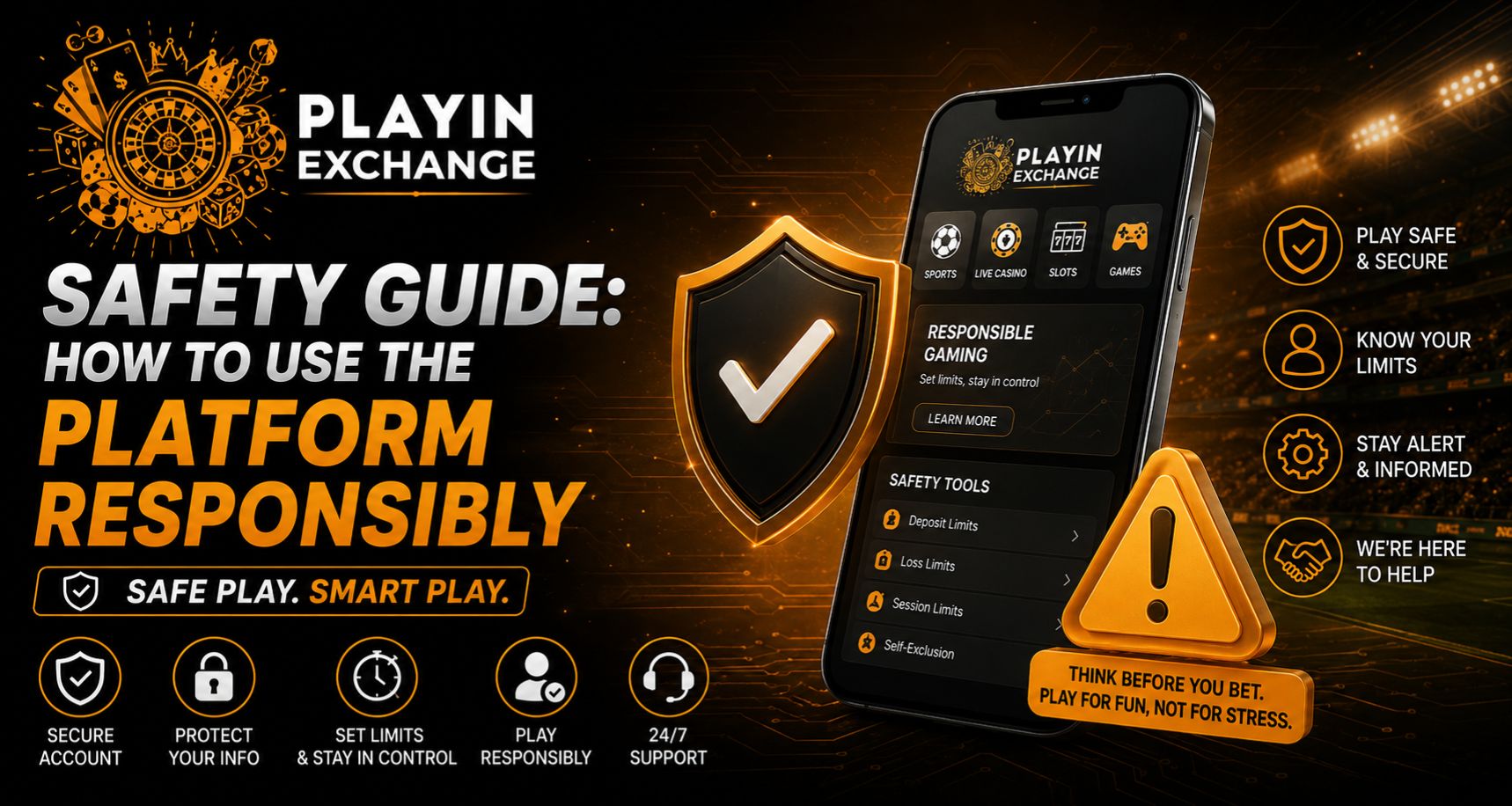
Using any online sports or entertainment platform responsibly starts with understanding how to protect your account and manage your activity. Playinexch gives users access to sports markets, account tools, and different online features through one platform, but a safe experience also depends on personal habits. Strong passwords, careful spending, secure devices, and regular breaks can all help users stay in control.
This guide explains practical ways to use the platform more responsibly while protecting your account and personal information.
Keep Your Account Credentials Secure
Account protection should always be a priority. Users should create a strong password that is difficult for others to guess and avoid using the same password across multiple websites.
A good password should contain a mix of:
- Uppercase and lowercase letters
- Numbers
- Special characters
- A combination that does not include personal information
Users should never share their password, security codes, or account credentials with friends or unknown individuals.
Use the Playinexch Login Page Carefully
The Playinexch Login process should only be completed through a trusted and verified website or access point. Before entering account details, users should check the website address carefully.
Avoid logging in through links received from unknown emails, messages, or social media accounts. These links may redirect users to imitation websites designed to collect passwords or personal information.
It is also recommended to log out after using a public or shared device.
Protect Your Playinexch ID
Your Playinexch ID is an important part of your account and should remain private. Account information should only be used by the registered user.
To improve account protection:
- Do not share login screenshots
- Avoid saving passwords on public computers
- Check account activity regularly
- Update your password if suspicious activity appears
- Contact official support if account details change unexpectedly
These simple habits can reduce the risk of unauthorised account access.
Set a Budget Before Using the Platform
Responsible use also means understanding how much money you can comfortably spend on entertainment.
Before using sports or gaming sections, decide on a fixed budget. This amount should never include money required for rent, bills, food, savings, education, or other essential expenses.
A few practical rules include:
- Set a spending limit before starting
- Never borrow money for platform activity
- Avoid increasing your budget after a loss
- Keep track of your spending
- Stop when your limit is reached
Clear limits can help prevent emotional decisions.
Understand Play Exchange Markets Before Participating
Different sports markets can work in different ways. Users exploring Play Exchange features should understand the available options before making decisions.
Live markets can change quickly, especially during cricket, football, or other ongoing events. Avoid making rushed selections simply because prices or conditions are changing.
It is better to take time to understand market rules, potential outcomes, and available information before participating.
Secure Your Playinexch Online ID on Mobile
Many users access online platforms through smartphones because they provide greater convenience. However, mobile devices also need proper security.
When using a Playinexch Online ID on mobile, users should:
- Enable screen lock or biometric protection
- Keep the operating system updated
- Avoid unknown Wi-Fi networks
- Download software only from trusted sources
- Keep browsers and applications updated
A secure device provides an additional layer of account protection.
Avoid Chasing Losses
One of the most important responsible-use habits is accepting that results cannot be guaranteed.
Trying to recover previous losses by spending more can quickly lead to poor decision-making. Users should treat platform activity as entertainment rather than a guaranteed source of income.
If a session does not go as expected, stopping and returning later is generally a more responsible approach.
Take Regular Breaks
Spending too much time online can affect concentration, work, sleep, and other daily responsibilities.
Consider taking a break if:
- You are using the platform longer than planned
- You feel frustrated after a result
- You constantly check matches or markets
- You are increasing spending emotionally
- Online activity interferes with daily life
Regular breaks can help users maintain better control over their activity.
Final Thoughts
Responsible platform use combines account security, financial awareness, and personal discipline. Protecting your Playinexch ID, using secure login methods, setting a realistic budget, and understanding sports markets can create a more controlled experience.
Playinexch should be approached as an entertainment platform where users make informed decisions and maintain clear limits. Keeping account details private, staying aware of online risks, and knowing when to stop are some of the most effective ways to use the platform responsibly.
Frequently Asked Questions
Is Playinexch safe to use?
Safety depends partly on how users manage their accounts. Using strong passwords, secure devices, trusted access points, and private account credentials can improve account security.
How can I keep my Playinexch Login secure?
Always use the verified login page, avoid suspicious links, create a unique password, and log out after accessing your account on shared devices.
Should I share my Playinexch ID with anyone?
No. Your account details should remain private. Sharing account credentials can increase the risk of unauthorised access.
Can I use Play Exchange features on mobile?
Mobile access may be available depending on the platform and device. Users should ensure their phone is secure and that they are accessing the platform through a trusted source.
What is the best way to use a Playinexch Online ID responsibly?
Set spending and time limits, avoid chasing losses, keep account details secure, understand available markets, and take regular breaks.
What should I do if I notice unusual account activity?
Change your password immediately, review recent account activity, log out from unfamiliar devices if possible, and contact official support for further assistance.